Suggested order
Set up with Claude Desktop
No terminal. Install the Claude Desktop app, add the CodeYam extension, and open your first project from inside Claude. Needs a paid Claude plan with Claude Code.
3 lessons≈ 8 min0 of 3 done
 2:01Set up CodeYamStep 1: Two ways to install CodeYamWhat the extension is, what the CLI is, and why this track uses the extension.
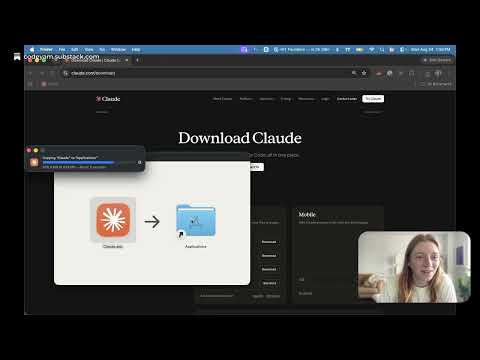 2:57Set up CodeYamStep 2: Install the Claude Desktop appThe extension is an add-on to this app, so it has to exist first. Skip it if Claude Desktop is already installed and signed in.
 2:23Set up CodeYamStep 3: Install the CodeYam extensionAdds CodeYam to Claude Desktop and opens the editor from it.