Setup · beginner
Set up CodeYam
Everything you need before your first project. Pick one route and stop when CodeYam opens. Each is two or three short videos.
Three ways in. Pick any one.
None is the advanced version. They all end in the same place.
 Set up in GitHub CodespacesNothing to install. CodeYam runs in your browser on a machine GitHub hosts, so any computer works. Needs a free GitHub account and an AI to connect. We recommend Claude.2 lessons·≈ 5 min
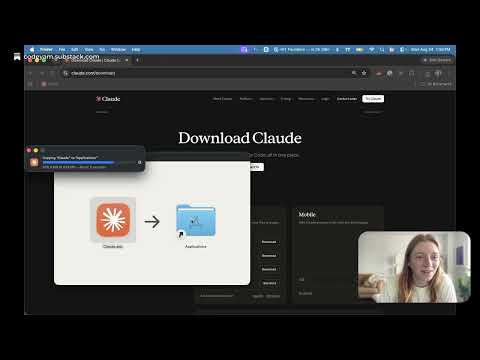
 Set up with Claude DesktopNo terminal. Install the Claude Desktop app, add the CodeYam extension, and open your first project from inside Claude. Needs a paid Claude plan with Claude Code.3 lessons·≈ 8 min
 Set up in your terminalRuns in your terminal with Claude Code, Codex or Gemini. Needs a subscription to one. Shown on a Mac; on Windows, use PowerShell.3 lessons·≈ 10 min
All lessons
Every route draws from these. Nobody watches all of them.